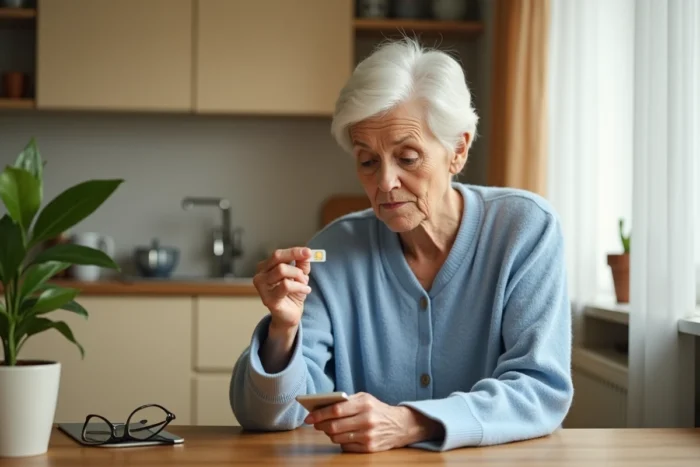
Your loved one has just received a Doro phone, and the first question that arises is about the SIM card. The format, the operator, the type of plan: each choice has a direct impact on the daily functioning of the device. An incorrect SIM card format simply prevents insertion, and a poorly calibrated plan generates either extra costs or frustrations. It’s better to take a few minutes to check the technical points before heading to the store.
Nano SIM or Micro SIM format: the trap to avoid depending on the Doro model
Not all Doro phones accept the same size of SIM card. This is the first point to check, and it is the one that causes the most returns to the store.
Take two common models. The Doro Leva E10s requires a nano SIM (4FF format), the smallest format available today. The Doro 1880, on the other hand, works with a micro SIM (3FF format), which is slightly larger. Sliding a micro SIM into a nano SIM slot does not work, and cutting a card yourself with scissors risks damaging the contacts.
To identify the correct format, look for the exact model reference (written on the back of the device or under the battery) and then consult the technical sheet on the manufacturer’s or retailer’s website. Choosing the right SIM card for Doro requires this prior verification, as operators often send a triple-cut card that seems universal but does not solve everything.
Indeed, some pre-cut triple-cut cards remain slightly too thick or poorly fitted for Doro SIM trays. If the card does not slide in easily, never force it. Request a free replacement in the exact format from your operator.

Network compatibility and 4G bands: what the format alone does not tell you
Having the right size SIM card is not enough. The Doro phone must also communicate properly with the network of the chosen operator.
Recent Doro phones operate on 4G, but they do not support all frequency bands used in France. Why does this matter? Because an operator uses different bands depending on geographical areas. If the Doro does not support the dominant band in your region, coverage will be poor, even with an active plan.
- Check the supported 4G bands for the Doro model in its technical sheet (often noted as B1, B3, B7, B20)
- Compare them with the bands used by your operator in your residential area
- Doro models sold by an operator (Orange, Free, Bouygues) are generally compatible with its network, but not necessarily optimized for another
If you buy the phone at a supermarket or online without going through an operator, this verification becomes essential. An unlocked device accepts all SIM cards, but that does not guarantee optimal coverage everywhere.
Senior plan for Doro: calls, SMS, or mobile data
A feature phone like the Doro 1880 is primarily used for calls and SMS. A Doro smartphone with a touchscreen also allows browsing the internet, sending photos, or using WhatsApp. The plan should match the actual usage, not what the seller offers by default.
For a Doro feature phone, a plan with unlimited calls and SMS without a data allowance covers most needs. Paying for unused gigabytes is the most common unnecessary expense among senior phone users.
For a Doro smartphone, plan for a small data allowance. A few hundred megabytes are sufficient if usage is limited to messaging and video calls over Wi-Fi. The classic trap: signing up for a two-year commitment plan to get a discounted rate for the first month, while a no-commitment plan allows changing operators if network coverage is disappointing.
Prepaid or monthly plan
The prepaid card seems reassuring because it limits expenses. In practice, it poses two problems for seniors. The credit expires after a period of inactivity (often a few months), and recharging requires going to a point of sale or navigating a website.
A low-cost monthly plan, automatically deducted, avoids these constraints. Automatic deductions eliminate the risk of line disconnection due to forgetting to recharge, which is particularly relevant for an elderly person living alone.
Inserting the SIM card into a Doro: actions to avoid breakage
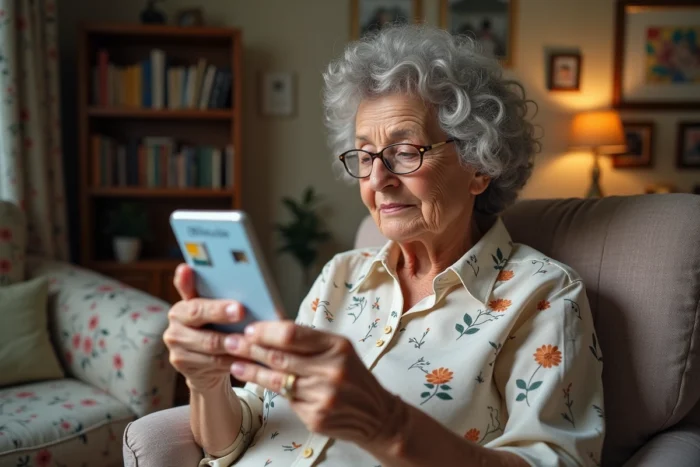
The physical insertion of the SIM card into a Doro requires some precautions. Manuals recommend completely turning off the phone before any handling. On flip models or those with removable batteries, you need to remove the back cover and then the battery to access the SIM tray.
- Place the SIM card with the metal contacts facing inward of the device
- Align the beveled corner of the card with the engraved mark in the tray
- Never force it: if the card resists, check the direction and format
- To remove a stuck card, apply a small piece of adhesive to the visible part and pull gently
These manipulations are simple, but incorrect orientation of the contacts prevents any detection of the card by the phone. The message “invalid SIM card” then appears on the screen, which does not mean that the card is defective.
eSIM and Doro phones: a false lead for now
eSIM, this virtual SIM card integrated directly into the phone, is becoming common on high-end smartphones. You may have seen this option with your operator. On current Doro phones, eSIM is not available unless explicitly mentioned on the model’s sheet.
So assume that you need a physical SIM. If a seller offers you an eSIM for a Doro, check the exact compatibility of the model before accepting, or you risk leaving with an active line but no way to use it in the device.
Choosing a SIM card for a Doro phone ultimately relies on three concrete checks: the physical format corresponding to the exact model, compatibility with the operator’s network bands in your area, and a plan calibrated to actual usage. Once these three points are settled, the phone works from the first power-up.